
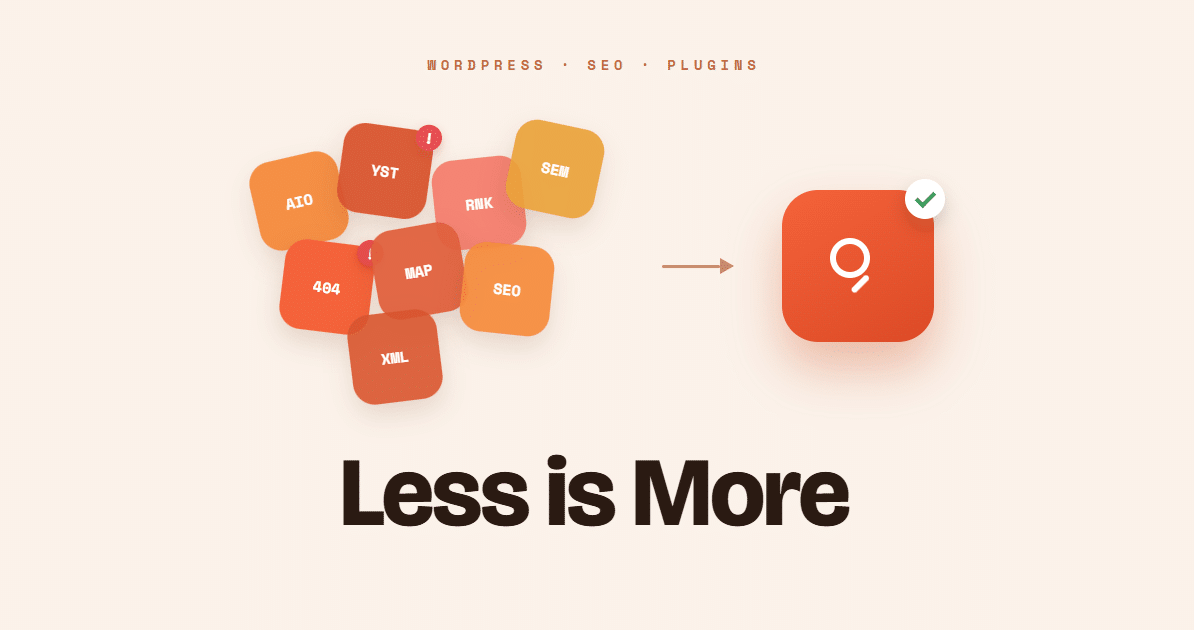
Did you know that installing a second SEO plugin on your WordPress website could actually create more problems than it solves?
Many website owners are surprised to learn this. After all, if one plugin helps improve SEO, wouldn’t adding another provide even more benefits?
Unfortunately, that is not how WordPress SEO plugins work.
In fact, one of the most common SEO mistakes I encounter is finding multiple SEO plugins active on the same website. Often the second plugin was installed accidentally, added during troubleshooting, or left behind after a redesign.
The website owner assumes everything is working correctly. Meanwhile, search engines may be receiving duplicate metadata, conflicting instructions, and mixed signals about the site’s content.
The good news is that this problem is usually easy to identify and fix.
In this article, you’ll learn what WordPress SEO plugins do, why running more than one can create technical SEO problems, and how to make sure your website is sending clear, consistent signals to search engines.
What Do WordPress SEO Plugins Do?
WordPress SEO plugins help manage many of the technical SEO settings that affect how search engines understand your website.
These plugins typically control:
- Page titles
- Meta descriptions
- XML sitemaps
- Canonical URLs
- Schema markup
- Open Graph data for social media
- Robots directives
Without an SEO plugin, managing these settings often requires custom code or advanced technical knowledge.
That is why WordPress SEO plugins have become essential tools for website owners who want better visibility in search results.
However, it is important to understand what WordPress SEO plugins do and do not do.
Think of it like buying a gym membership.
Simply signing up for a gym does not make you fit. The gym provides the equipment, but you still have to go to the gym regularly and not take shortcuts to see results.
WordPress SEO plugins work the same way.
Most plugins can generate default SEO settings, but default settings are rarely the best settings.
For example:
- A plugin may generate a default page title, but you should write custom titles that target important keywords and encourage people to click.
- A plugin may generate a meta description automatically, but a well-written description can improve click-through rates from search results.
- A plugin can create schema markup, but you still need to provide accurate business information, service details, social profiles, and other data.
- A plugin can generate an XML sitemap, but it cannot determine which pages are valuable enough to deserve a place in search results.
- A plugin can suggest keyword usage, but it cannot tell you which topics matter most to your customers.
- A plugin can identify missing SEO elements, but it cannot decide what makes your business unique or why a customer should choose you.
- A plugin can create social sharing tags, but you still need compelling images and descriptions that encourage engagement.
The most successful websites treat WordPress SEO plugins as tools, not solutions.
The plugin provides the framework. Your strategy, content, and ongoing optimization are what produce results.
There are no shortcuts. Just as a gym membership requires effort and consistency, effective SEO requires ongoing attention and regular improvements over time.
Why Website Owners Install Multiple SEO Plugins
It usually starts with good intentions.
A website owner reads about a new SEO feature, installs another plugin to try it, and forgets to remove the old one.
Sometimes a web designer changes SEO plugins during a redesign.
Other times, a plugin recommendation appears in the WordPress dashboard, and the site owner assumes more SEO tools must be better.
Unfortunately, multiple SEO plugins rarely improve SEO performance.
Instead, they often compete with each other.
The Problem With Running Multiple WordPress SEO Plugins
Most SEO plugins are designed to be a complete SEO solution.
When two plugins try to control the same SEO settings, conflicts can occur.
Think of it like having two people trying to steer the same car at the same time. Neither person intends to cause a problem, but confusion is almost inevitable.
Here are some of the most common issues.
Duplicate Title Tags
Title tags are one of the most important on-page SEO elements.
If two plugins generate title tags, search engines may find conflicting information about the page.
This can reduce your ability to control how pages appear in search results.
Duplicate Meta Descriptions
Meta descriptions help summarize page content for searchers.
When multiple plugins output different meta descriptions, search engines may ignore both versions and create their own.
Conflicting Canonical URLs
Canonical tags tell search engines which URL should be treated as the primary version of a page.
If one plugin points to one URL and another points somewhere else, search engines receive mixed signals.
This can create indexing and duplicate content issues.
Duplicate Schema Markup
Schema markup helps search engines better understand your content.
It can identify articles, organizations, services, products, reviews, and more.
When multiple plugins generate schema markup, duplicate or invalid schema may be created.
This can lead to errors in search engine reporting tools and reduce the effectiveness of your structured data.
Multiple XML Sitemaps
Most WordPress SEO plugins automatically generate XML sitemaps.
When multiple sitemap systems are active, search engines may discover inconsistent information about your website’s structure.
Conflicting Indexing Instructions
One plugin may tell search engines to index a page.
Another plugin may accidentally tell them not to.
These types of conflicts are easy to overlook and can affect how pages appear in search results.
Will Two SEO Plugins Hurt Rankings?
Not necessarily.
Many websites operate with multiple SEO plugins for months without experiencing an obvious ranking drop.
That is why this issue often goes unnoticed.
The real concern is not an immediate loss of rankings.
The concern is that your website may be sending inconsistent signals to search engines.
Over time, those inconsistencies can create crawling, indexing, and visibility problems that are completely avoidable.
Think of it this way. If your website is competing against another business with similar content, clear SEO signals may help determine which website performs better.
Why create unnecessary obstacles?
More SEO Plugins Do Not Mean Better SEO
This is one of the biggest misconceptions in website management.
Installing additional SEO plugins does not multiply your SEO efforts.
Most WordPress SEO plugins perform many of the same functions.
Adding another plugin often means duplicating tasks that are already being handled.
The goal of technical SEO is clarity.
Search engines prefer clear, consistent instructions.
A single, properly configured SEO plugin usually provides everything needed to manage technical SEO effectively.
More plugins add bloat, clutter and confusion for search engine bots.
| SEO Function | One SEO Plugin | Multiple SEO Plugins |
|---|---|---|
| Title Tags | One clear page title | Possible duplicate or conflicting titles |
| Meta Descriptions | One consistent description | Multiple descriptions may be added |
| Canonical URLs | Clear preferred page URL | Mixed signals about which URL should rank |
| Schema Markup | Cleaner structured data | Duplicate or invalid schema may occur |
| XML Sitemaps | One sitemap source | Multiple sitemap sources may confuse crawling |
| Indexing Rules | Clear index or noindex settings | One plugin may conflict with another |
| Troubleshooting | Easier to diagnose issues | Harder to know which plugin caused the problem |
How to Check Your Website
If you are unsure whether multiple SEO plugins are active, log into WordPress and review the Plugins screen.
Common WordPress SEO plugins include:
- Rank Math SEO
- Yoast SEO
- All in One SEO
- SEOPress
- The SEO Framework
Only one of these should be actively managing your SEO settings.
If you recently switched SEO plugins, verify that the old plugin has been deactivated and that all settings were properly migrated.
Best Practice for WordPress SEO Plugins
The safest and most effective approach is simple:
- Choose one SEO plugin.
- Configure it correctly.
- Keep it, and all WordPress plugins updated.
- Monitor performance using Google Search Console.
- Remove unused SEO plugins.
Following these steps helps ensure your website provides clear and consistent information to search engines.
Final Thoughts
The answer is simple. No.
A single, properly configured SEO plugin provides everything most websites need to manage technical SEO effectively. Adding additional SEO plugins often creates duplicate settings, conflicting metadata, and unnecessary bloat and complexity.
Many website owners manage their own SEO based on advice from friends, social media groups, YouTube videos, or online tutorials. While there is plenty of good information available, there is also a lot of outdated, incomplete, and sometimes incorrect advice.
If you’re not completely sure your WordPress SEO plugins are configured correctly, a professional review can provide valuable peace of mind. A one-time SEO audit is often enough to identify plugin conflicts, schema issues, indexing problems, and other technical SEO mistakes that may be limiting your website’s visibility in search results.
For businesses that don’t need ongoing SEO services, a one-time SEO package can be an affordable way to uncover issues, receive expert recommendations, and ensure your website is sending clear and consistent signals to search engines.